
A share link
It opens a page for your module. On iPhone or iPad, download the .stem file there and open it in StemStudio AI to run it.
Describe a feature to Claude or ChatGPT; this server helps it write a valid StemJSON module and hands back a link. Open it on your iPhone or iPad to run the module in StemStudio AI.
Works with Claude · Claude Code · ChatGPT · any MCP client
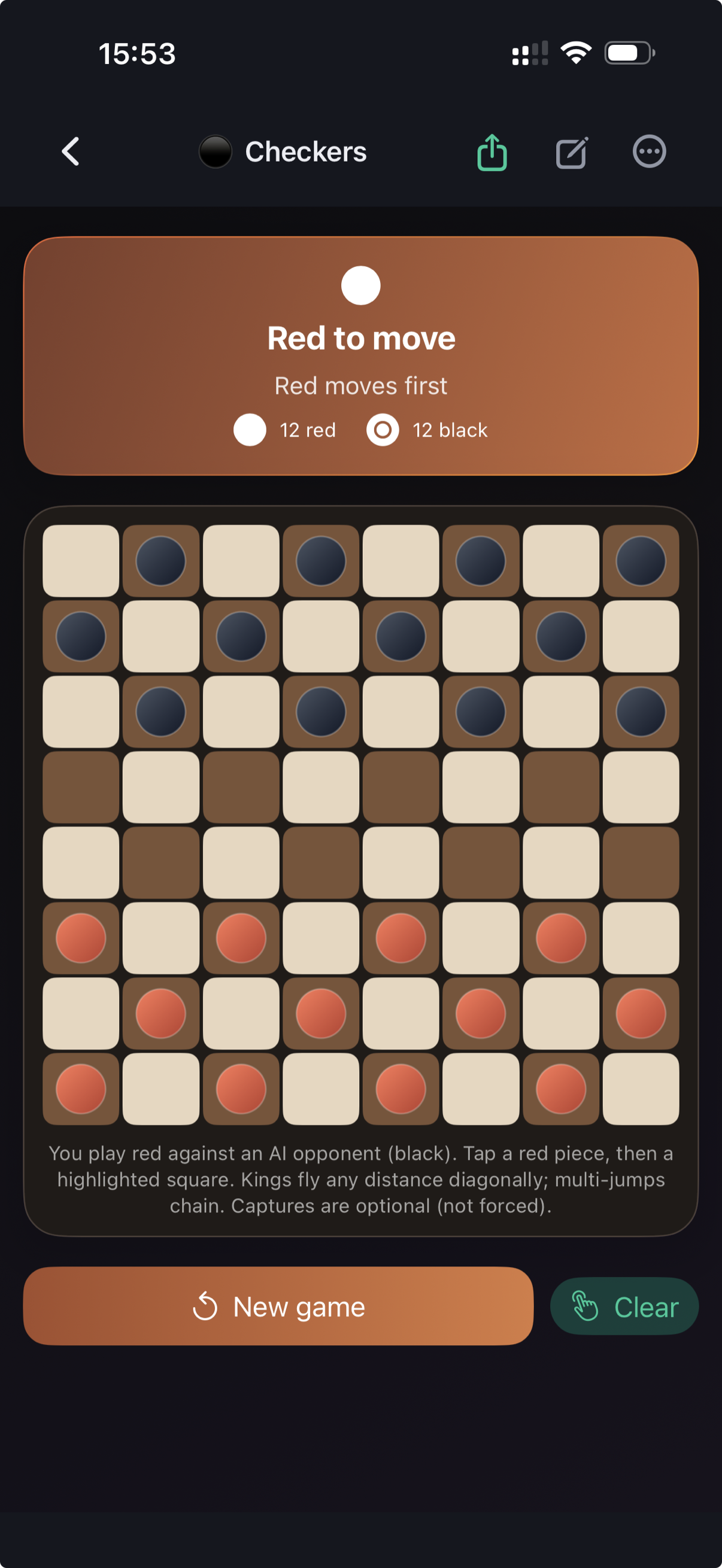
you A checkers game I can play against an AI - build it with StemJSON.
scaffold_module ✓ validate_module ✓ submit_module ✓
AI Validated and accepted. Open it on your phone - or download checkers.stem there: stemjson.com/t/…
A playable game - AI opponent, kings, multi-jump chains - in one StemJSON file.
https://mcp.stemjson.com/mcp
claude mcp add --transport http stemjson https://mcp.stemjson.com/mcp
Then run /mcp inside Claude Code to sign in with GitHub.
Any client that supports remote MCP servers (streamable HTTP with OAuth) can connect: paste the server URL wherever the client accepts one, then sign in with GitHub.
Free with your existing AI subscription. GitHub sign-in, rate limits apply. Questions or higher limits: email us.
It opens a page for your module. On iPhone or iPad, download the .stem file there and open it in StemStudio AI to run it.
A module is a single JSON file - download it from the share link. Use it in the example apps, or in any app with the StemRuntime SDK.
The server checks structure, references, and design rules; failures go back to the AI to fix, not to you.
Import a module and run it natively on iPhone and iPad, then refine it with AI or in the JSON editor.
About StemStudio AI →Complete example apps with the runtime integrated. Clone one, add your .stem file, and run it.
Swift · KotlinAdd the SDK to your iOS or Android app and render StemJSON inside it: ship new screens from your backend without an app update, or add a Stem AI Area where your users generate features on the fly.
About the runtime →Nine tools cover the whole authoring loop - spec lookups while writing, validation before anything reaches you, submission at the end. Also useful on their own when writing StemJSON by hand or reviewing generated modules.
begin_stemjson_module Returns the authoring workflow the AI follows. scaffold_module Starter skeleton for a new module. get_example Complete, working example modules. lookup_component Contract for any UI component. lookup_action Contract for any action. search_spec Full-text search over the spec. get_spec_section Read a spec section in place. validate_module The same validator the runtimes use. submit_module Accepts the module, returns a share link.